Discover a practical website redesign checklist to guide startups through a phase-by-phase plan that boosts conversions and qualified leads.
Jan 11, 2026

A website redesign is more than a fresh coat of paint. It's a critical growth initiative that, when executed properly, can supercharge lead generation, clarify your market positioning, and create a seamless user experience that actually converts visitors into customers.
However, without a structured approach, redesigns often become costly, time-consuming projects that deliver zero measurable return on investment. The difference between a successful project and a failed one isn't just about budget or talent; it's about having a methodical process. A comprehensive plan prevents scope creep, aligns stakeholders, and ensures every decision is tied to a specific business goal.
This website redesign checklist is your plan. We’ve broken down the entire process into ten essential, actionable phases designed for startups, marketing teams, and product leaders. Each stage includes clear tasks and practical guidance to ensure your project stays on track and delivers tangible results.
Forget generic advice. This checklist will guide you from initial stakeholder interviews and data audits all the way through to launch strategy and post-launch optimization. We will cover everything from setting up a design system and restructuring your information architecture to technical SEO foundations and iterative user testing. Use this guide to transform your next redesign from a risky expense into a strategic, measurable success.
1. Conduct Stakeholder Interviews & Define Redesign Goals
The most critical mistake in a website redesign is starting with design. The first, non-negotiable step is to align every stakeholder, from the CEO to the sales team, on the project’s core purpose. This foundational phase involves conducting structured interviews to uncover business objectives, identify user pain points, and define what success will look like in measurable terms. Without this alignment, your project risks scope creep, internal disagreements, and a final product that doesn’t solve any real business problems.
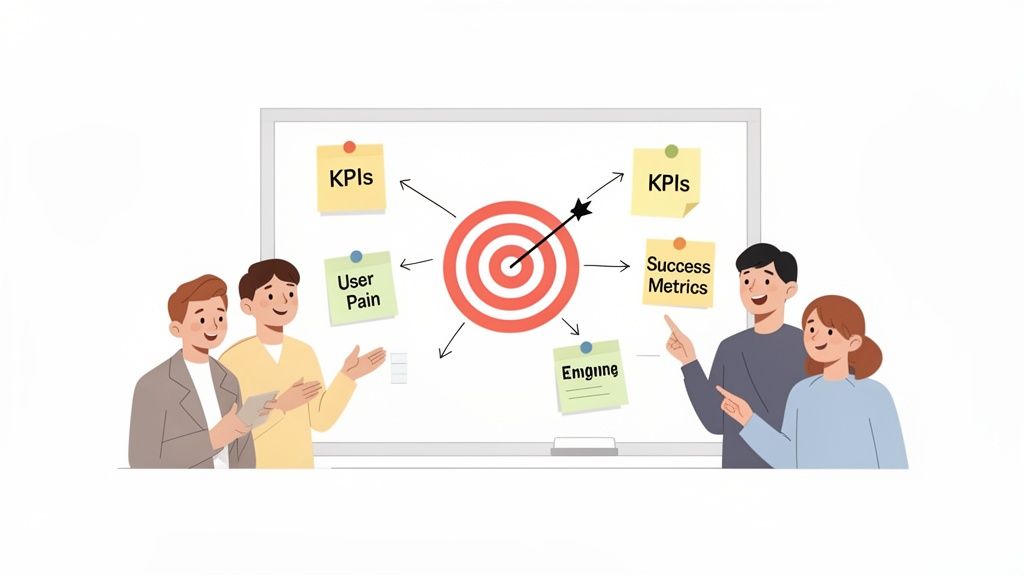
This process ensures your redesign is a strategic investment tied directly to outcomes like lead generation, conversion rates, or user activation. For example, Stripe's redesign famously boosted conversions by 14% after their initial research revealed that users were confused by their pricing tiers. Similarly, Notion redesigned their site in 2021 specifically to streamline user onboarding after stakeholder interviews identified a 40% drop-off rate within the first week.
How to Implement This Step
Your goal is to translate high-level business needs into concrete, actionable goals for your website redesign checklist.
Document Everything: Use a shared tool like Notion or Airtable to create a central document for all goals, notes, and decisions. This keeps teams in sync without constant meetings.
Define Primary Metrics: Choose 2-3 key performance indicators (KPIs) to focus on, such as "Increase demo requests by 20%" or "Reduce bounce rate on the pricing page by 15%." Too many metrics will dilute your focus and make it impossible to prioritize.
Establish a Baseline: Before you begin, document your current metrics. You can’t measure success if you don’t know where you started.
Prioritize Depth in User Research: Instead of surveying hundreds of users, conduct 5-8 in-depth user interviews. This qualitative approach provides richer insights into why users are struggling, which is more valuable than quantitative data at this stage.
2. Audit Existing Site Performance & User Behavior Data
Before you can build a better website, you must understand what’s broken with the current one. A comprehensive data audit transforms your redesign from a guessing game into a targeted, strategic initiative. This step involves diving deep into your analytics, heatmaps, and session recordings to pinpoint exactly where users are struggling, what content resonates, and which conversion paths are failing. This data-driven baseline ensures your redesign addresses real user friction, not just internal assumptions.
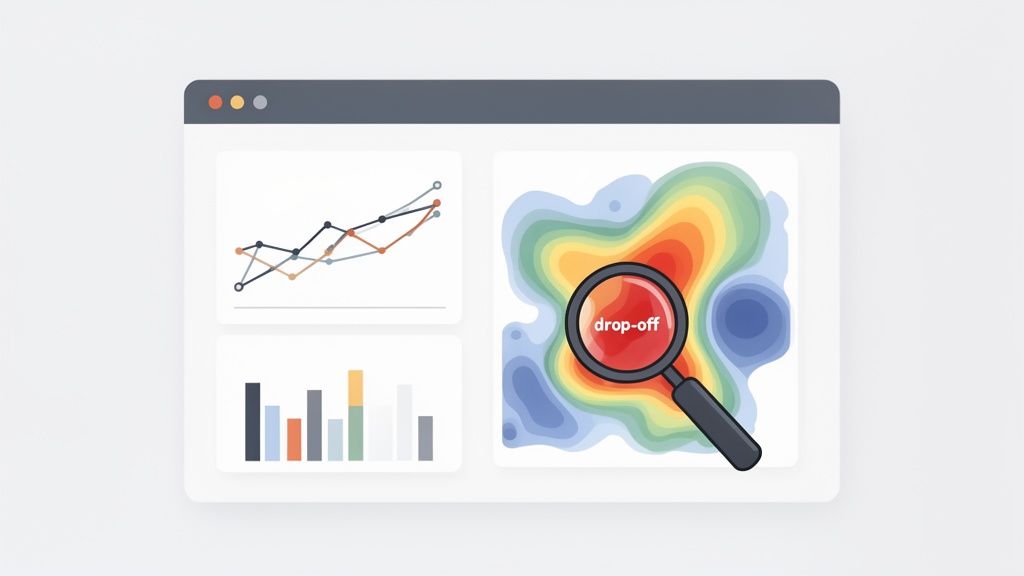
This process is critical for focusing resources where they will have the most impact. For example, Buffer audited their blog and discovered that 60% of users never scrolled past the first screen, leading them to prioritize an "above-the-fold" redesign that significantly boosted engagement. Similarly, Shopify continuously analyzes its checkout funnel data, identifying friction points that, once fixed, lead to measurable lifts in conversion rates for their merchants.
How to Implement This Step
Your goal is to create a prioritized list of problems to solve, backed by quantitative and qualitative evidence from your existing site.
Export Baseline Reports: Before making any changes, export key performance reports from your analytics platform (e.g., Google Analytics 4). This includes traffic sources, top-performing pages, conversion rates by channel, and user flow reports. This is essential for a pre- and post-launch comparison.
Analyze User Behavior Visually: Use tools like Hotjar or Clarity to analyze user behavior. Watch 10-15 session recordings focusing on your main conversion funnels (e.g., sign-up, checkout). Use heatmaps to identify where users are getting confused with "dead clicks" or "rage scrolling."
Create a Problem Prioritization Matrix: Don't try to fix everything at once. List every identified issue in a spreadsheet and score each one based on its Impact (how much it affects conversion or user experience) and Frequency (how many users it affects). This helps you focus on high-impact fixes first.
Ensure Proper Tracking is in Place: Confirm that your Google Analytics 4 setup is tracking all key conversion events correctly. Use UTM parameters consistently across all marketing campaigns to ensure your data is clean and actionable for the redesign.
3. Create a User Journey Map & Persona Documentation
Once you know your business goals, the next step is to understand the people who will help you achieve them: your users. Creating user journey maps and persona documentation forces you to design for real human needs, not internal assumptions. This process involves mapping how different user segments interact with your site across key touchpoints and defining their goals, pain points, and decision criteria. A redesign that ignores this step builds a beautiful but empty house; it looks great but serves no one.
This user-centric approach ensures the redesign serves multiple user types and optimizes for the highest-value conversions. For example, Slack documented personas showing that IT administrators prioritized security and compliance, while end-users valued ease of use and integrations. This led to separate messaging and distinct user paths on their website. Similarly, HubSpot's redesign centered on three key personas: founders (simplicity-focused), marketers (feature-rich), and sales leaders (ROI-focused), tailoring content to each audience's specific needs.
How to Implement This Step
Your goal is to build a deep, empathetic understanding of your users that informs every design and content decision in your website redesign checklist.
Base Personas on Real Research: Do not guess. Conduct 15-20 interviews with current and prospective customers to gather qualitative data on their motivations and challenges. This research is the foundation of a successful redesign.
Focus on 2-3 Primary Personas: Creating too many personas dilutes focus and makes prioritization impossible. Identify the most critical user archetypes and build for them first.
Document and Socialize: Use a tool like Figma or Notion to create and share your persona documents and journey maps. Make them visible and accessible to the entire team to ensure everyone is aligned on who you're building for.
Differentiate by Role and Goal: For SaaS products, be sure to differentiate personas by their role in the buying process. A CEO cares about ROI, while an engineer wants to see clear API documentation and integration capabilities. Understanding the difference between customer experience and user experience is crucial here.
4. Competitive Analysis & Benchmarking
Before you write a single line of copy or create a wireframe, you must understand the competitive landscape. This step involves a deep dive into how direct and indirect competitors structure their sites, present value propositions, and guide users through conversion funnels. By analyzing what works (and what doesn't) for others targeting your audience, you can identify proven design patterns to adopt and costly mistakes to avoid, giving your project a strategic head start.
This process is about strategic inspiration, not imitation. For example, Notion analyzed competitors like Evernote and OneNote, identifying a market gap for a more flexible, customizable tool. This insight directly shaped their website's messaging and feature-first design. Similarly, Figma studied Adobe's complex interface and intentionally built a simpler, more collaborative UX, a decision that became a core part of their brand identity and website flow.
How to Implement This Step
Your goal is to build a clear picture of industry standards and identify opportunities for differentiation in your own website redesign checklist.
Create a Comparison Matrix: Use a tool like Airtable or Notion to build a spreadsheet. Score competitors on key criteria like clarity of value proposition, user flow for sign-ups, mobile experience, and content strategy.
Analyze Direct and Indirect Competitors: Don't just look at direct rivals. If you're a SaaS tool, analyze best-in-class sites like Coda, Linear, or Airtable for UI patterns and onboarding flows, even if they aren't in your niche.
Use Analytics Tools: Leverage platforms like Semrush or SimilarWeb to understand where your competitors get their traffic and which pages are most popular. This reveals their marketing priorities and what content resonates with your shared audience.
Screenshot and Annotate: Create a visual library of competitor pages. Use a tool like Miro or Figma to annotate screenshots, highlighting design decisions you want to adopt or avoid. Focus on high-converting competitors, not just the biggest names.
5. Design System & Component Library Setup
Attempting to redesign a website without a design system is like building a house without standardized bricks. You end up with inconsistent elements, wasted effort, and a disjointed user experience. A design system is a centralized library of reusable components, guidelines, and assets that ensures every button, form field, and color choice is consistent across your entire site. This foundational step accelerates both design and development, reduces technical debt, and maintains brand integrity as you scale.
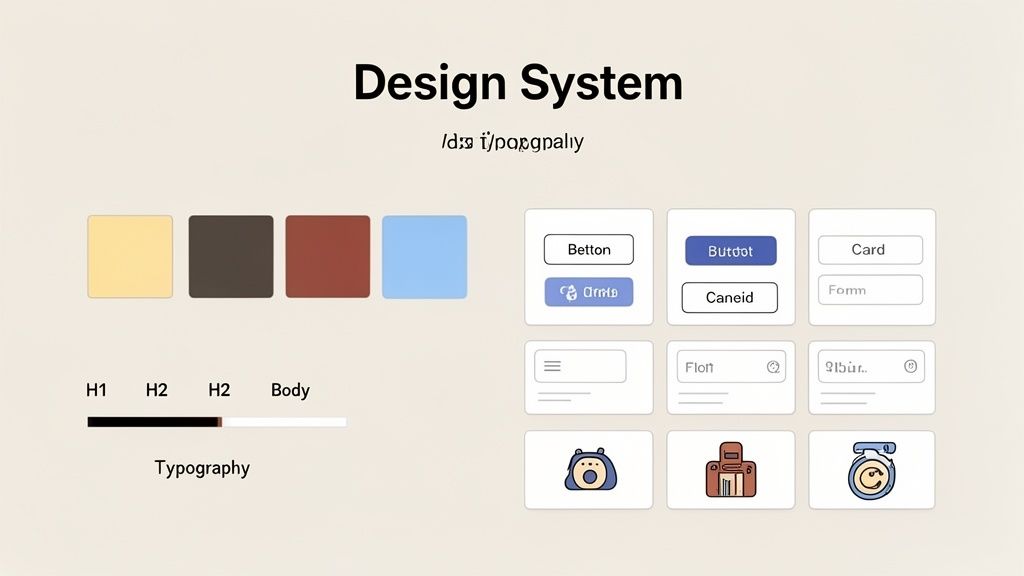
This approach is crucial for creating a cohesive and maintainable website. For example, Salesforce’s Lightning Design System provides over 100 documented components, enabling teams to build new pages rapidly while ensuring they look and feel like part of the Salesforce ecosystem. Similarly, Stripe’s publicly available design system defines every component, interaction, and style, creating a seamless user experience that builds trust and simplifies complex financial interactions.
How to Implement This Step
Your objective is to create a single source of truth that aligns designers and developers, making your website redesign checklist more efficient and scalable.
Start with Core Components: Don't try to build everything at once. Begin with foundational elements like buttons, input fields, typography, colors, and spacing. Expand the library as you identify new, recurring needs during the redesign.
Use Figma as the Source of Truth: Centralize your design system in a tool like Figma. Its component and library features allow designers to reuse elements and push updates globally, ensuring every instance of a component stays in sync.
Document All Interactive States: A button isn't just one state. Document its appearance and behavior for hover, focus, active, disabled, and loading states. This level of detail prevents ambiguity during development.
Establish Clear Naming Conventions: Align design and code by using a logical naming system (e.g.,
Button--Primary,Button--Secondary,Input--Error). When designers and developers use the same language, handoffs become frictionless.Version Your Design System: Treat your design system like a product. Implement a versioning process so that any changes are reviewed, documented, and approved before being rolled out. This prevents breaking changes and keeps everyone aligned.
6. Information Architecture Restructuring (if needed)
If your current site leaves users endlessly clicking to find information, it's not a content problem; it's a structural one. Information architecture (IA) is the blueprint of your website, defining how content is organized, labeled, and navigated. A poor IA forces users to hunt for information, leading to frustration and high bounce rates. Restructuring it is a critical step in any website redesign checklist, ensuring the new site guides users intuitively toward desired actions, rather than leaving them lost in a maze of confusing menus.
This step directly impacts both user experience and SEO. A logical structure makes your site easier for both people and search engine crawlers to understand. For instance, Slack famously simplified its primary navigation from twelve items down to five, significantly reducing onboarding friction and improving self-service content discovery. Similarly, Intercom restructured its entire site to prioritize user needs (like customer support or sales) over product features, which clarified their messaging and improved lead quality.
How to Implement This Step
Your goal is to build a navigation system that feels so natural users don’t even have to think about it.
Run a Card Sorting Exercise: Before you design anything, validate your new structure with 15-20 target users. This exercise reveals how your audience mentally groups information, providing an unbiased foundation for your navigation.
Simplify Primary Navigation: Limit your main menu to 5-7 essential items. Anything more creates cognitive overload. Use mega-menus or secondary navigation for less critical pages.
Separate Marketing and App IA: For SaaS companies, it's crucial to distinguish the marketing site's architecture from the in-app experience. Don't mix them, as their goals and user intents are fundamentally different.
Plan Your Redirects: Create a comprehensive 301 redirect map that links every old URL to its new equivalent. This is non-negotiable for preserving your existing search engine rankings and avoiding broken links. For a detailed guide on this, consult a technical blueprint for Information Architecture & Site Navigation.
7. High-Fidelity Prototyping & User Testing (Iterative)
Skipping user testing is like building a car and only checking if the engine starts after it has left the factory. High-fidelity prototyping involves creating interactive, clickable mockups of your new website and testing them with real users before a single line of code is written. This iterative process uncovers critical usability flaws when they are still cheap and easy to fix, ensuring the final design is based on user evidence, not internal assumptions. It’s the ultimate validation step in any successful website redesign checklist.
This step transforms your redesign from a gamble into a calculated, data-informed investment. For example, Dropbox famously tested a landing page prototype and discovered that emphasizing ‘simplicity’ over ‘features’ increased signups by 16%. Similarly, Unbounce found that moving a call-to-action button above the fold in their prototype boosted click-through rates by 32% in subsequent A/B tests. This pre-development validation saves countless hours and prevents launching a site that fails to convert.
How to Implement This Step
Your goal is to validate critical user journeys and conversion paths, iterating on the design based on direct user feedback until it performs flawlessly.
Focus on Key Conversion Paths: Don’t prototype every page. Start with the most critical flows, like a user going from a landing page to submitting a form or completing a purchase.
Aim for 5-8 Users Per Iteration: Research from the Nielsen Norman Group shows that testing with just five users typically reveals about 85% of usability problems. After that, you’ll encounter diminishing returns.
Create a Task Checklist: Give users specific tasks to complete (e.g., "Find the pricing information for the Pro plan" or "Sign up for a free trial"). If 80% or more can complete the task without confusion, the design is solid.
Use the Right Tools: Use Figma’s built-in prototyping features or tools like Maze and UserTesting.com to quickly build tests and gather feedback. The key is to create fast, iterative feedback loops.
Iterate at Least Twice: Plan for a minimum of 2-3 rounds of testing and refinement. The first test reveals the biggest problems; subsequent tests validate your fixes and uncover more subtle issues.
8. Development Environment Setup & Frontend Architecture
Jumping into coding without a clear technical blueprint is a recipe for technical debt. This critical pre-development step involves establishing your coding standards, choosing a component architecture, configuring build tools, and setting up deployment pipelines. A well-defined architecture ensures the codebase is clean, maintainable, and scalable, preventing the project from becoming a tangled mess that slows down future updates and feature releases.
This foundational work is what allows teams to move quickly and confidently. For example, Vercel leverages its own Next.js framework with edge functions, enabling rapid iteration and seamless A/B testing directly within their development workflow. Similarly, Notion’s component-driven architecture allows them to reuse UI elements across their platform, ensuring both design consistency and accelerated feature development. Neglecting this part of your website redesign checklist means every future change will be slower and more expensive.
How to Implement This Step
Your objective is to create a robust, documented foundation for your engineering team that aligns with your design system and long-term business goals.
Choose Technology Based on Team Skills: Select a framework like Next.js, Gatsby, or Astro based on your team's expertise and the project's performance needs, not just industry hype. For most SaaS startups, Next.js provides an excellent balance of speed, SEO capabilities, and scalability.
Establish a Component Library: Use a tool like Storybook to build and document UI components in isolation. This directly mirrors your design system, promotes code reusability, and makes collaboration between designers and developers seamless.
Automate Everything: Set up a CI/CD (Continuous Integration/Continuous Deployment) pipeline from day one. Automate testing for critical user paths (like signup or checkout) and implement performance budgets to ensure Lighthouse scores don't drop below a set target.
Plan for Analytics Instrumentation: Don't treat analytics as an afterthought. Define your tracking plan and integrate tools like Segment or Google Tag Manager into your core components from the start. Retrofitting tracking later is inefficient and often leads to incomplete data. To dive deeper into structuring your technical workflow, explore these proven website development processes.
9. SEO & Technical Foundation Optimization
A beautiful new website is useless if no one can find it. Neglecting your SEO and technical foundation during a redesign is one of the fastest ways to lose years of accumulated search engine authority. This critical step involves preserving your existing SEO value, ensuring the new site meets modern performance standards, and setting up a technical framework that supports future growth and visibility. Without it, you risk a catastrophic drop in traffic and leads immediately after launch.
This process protects your hard-earned rankings by meticulously mapping old URLs to new ones and ensuring search engines understand the transition. For instance, Moz has documented extensively how to manage a redesign without losing SEO equity, emphasizing that redirect planning should begin weeks before launch. Similarly, Gov.uk maintained its accessibility leadership by integrating WCAG 2.1 compliance into its redesign from day one, not as a final check. A critical step in your SEO and technical foundation, as well as a key goal for the redesign, is knowing how to effectively optimize website performance.
How to Implement This Step
Your goal is to launch a new site that is faster, more accessible, and more visible to search engines than the one it replaced.
Audit and Document Your Current SEO: Before touching a single line of code, run a full SEO audit on your existing site. Document all high-performing pages, indexed URLs, and inbound links. This is your roadmap for creating redirects.
Set Hard Performance Targets: Aim for a Lighthouse score of 90+ across all categories (Performance, Accessibility, Best Practices, SEO). Make this a non-negotiable requirement for your development team, ideally integrated into your CI/CD pipeline.
Prioritize Accessibility Early: Don’t treat accessibility as a final polish. Test the site with screen readers and keyboard-only navigation during the development sprints. Ensure a proper heading hierarchy is in place (one H1 per page, logical nesting).
Implement Structured Data: Add schema markup for your key content types, such as
Article,Product, orFAQPage. This helps search engines understand your content and can result in rich snippets in search results.Monitor Post-Launch: Set up 404 monitoring immediately after launch to catch any broken links or redirect gaps. A quick response here can prevent significant SEO damage.
10. Launch Strategy, Monitoring & Post-Launch Optimization Plan
A successful redesign doesn't end when the final line of code is written; it begins at launch. The biggest post-project failure is treating the go-live date as a finish line instead of the starting point for optimization. A strategic launch plan mitigates risks like site crashes and broken user flows, while a post-launch plan ensures you capitalize on fresh data to continuously improve performance. This approach prevents the launch from becoming a "set it and forget it" event, turning it into a dynamic process of measurement and refinement.
This step transforms the redesign from a high-stakes, one-time event into a controlled, iterative process. For example, LinkedIn's 2011 redesign used a gradual rollout, releasing the new site to just 5% of users first. This allowed them to catch critical rendering issues before a full-scale launch. Similarly, Facebook's continuous deployment model avoids catastrophic "big redesigns" by pushing small, monitored improvements daily, a core principle of agile development.
How to Implement This Step
Your goal is to ensure a smooth transition to the new site and establish a framework for ongoing improvement based on real user behavior.
Choose Your Launch Strategy: For high-traffic sites, use a staged rollout (e.g., 10% → 25% → 50% → 100% of users over 2-3 days), monitoring metrics at each stage. For lower-traffic sites, a "big bang" launch is acceptable, but keep a rollback plan active for the first 24 hours.
Set Up Critical Alerts: Before launch, configure automated alerts for key health metrics. Trigger notifications if the server error rate exceeds 1%, a primary conversion rate drops by more than 10%, or the average page load time surpasses 3 seconds.
Dogfood on Production: Before making the site public, have your internal team run through every critical user journey on the live production environment. This is your last chance to catch bugs that only appear in a live setting.
Block Time for Post-Launch Optimization: Your work isn't done. Allocate 10-20% of your development capacity for the 4-8 weeks following launch. Use a shared task board in Notion or a similar tool to prioritize fixes and improvements based on incoming data, which is essential to improve website conversion rates based on what you learn.
Website Redesign: 10-Point Checklist Comparison
Item | Implementation complexity | Resource requirements | Expected outcomes | Ideal use cases | Key advantages |
|---|---|---|---|---|---|
Conduct Stakeholder Interviews & Define Redesign Goals | Low–Medium (coordination & alignment) | Stakeholder time, facilitator, documentation tools | Aligned goals, acceptance criteria, prioritized metrics | Early-stage redesigns; strategic alignment | Prevents scope creep; ties design to business KPIs |
Audit Existing Site Performance & User Behavior Data | Medium (analytics setup + analysis) | Analytics, heatmaps/session tools, analyst time | Data-driven priorities, baseline for before/after | Sites with poor tracking or unknown funnel issues | Identifies high-impact problems; justifies decisions |
Create a User Journey Map & Persona Documentation | Medium (research synthesis) | User interviews, UX researcher, mapping tools | Persona-driven journeys, messaging and content guide | Multi-segment audiences; content strategy work | Aligns messaging to user intent; improves conversions |
Competitive Analysis & Benchmarking | Low–Medium (research & synthesis) | Market research tools, analyst time, screenshots | Differentiation opportunities, proven design patterns | Positioning work; feature and messaging decisions | Reveals market gaps; provides validated inspiration |
Design System & Component Library Setup | High (design + documentation + governance) | Designers, engineers, Figma (or similar), maintenance effort | Consistent UI, faster handoff, scalable components | Growing products, multi-team development | Speeds delivery; ensures consistency and accessibility |
Information Architecture Restructuring (if needed) | Medium–High (user testing + redirect planning) | Card sorting, UX research, SEO specialist, content owners | Improved findability, logical hierarchy, SEO gains | Content-heavy or confusing sites | Reduces bounce/support; improves task completion speed |
High-Fidelity Prototyping & User Testing (Iterative) | Medium–High (multiple test iterations) | Prototyping tools, test participants, UX researcher | Validated flows, reduced dev rework, conversion gains | Critical conversion paths; risky UX changes | Catches issues early; provides evidence for decisions |
Development Environment Setup & Frontend Architecture | High (technical architecture + pipelines) | Experienced engineers, CI/CD, testing and monitoring tools | Maintainable codebase, rapid deploys, fewer regressions | SaaS platforms; long-term product development | Prevents technical debt; enables rapid iteration |
SEO & Technical Foundation Optimization | Medium (technical + content coordination) | SEO specialist, dev time, monitoring, accessibility tools | Preserved/improved organic traffic, faster pages, compliant site | Traffic-dependent sites; URL or structural redesigns | Maintains rankings; improves speed and accessibility |
Launch Strategy, Monitoring & Post-Launch Optimization Plan | Medium (planning + ops readiness) | DevOps/monitoring, on-call support, analytics dashboards | Safer launches, fast issue detection, ongoing improvements | High-traffic launches; phased rollouts | Minimizes launch risk; captures post-launch uplift |
Turn Your Checklist Into Action
Navigating a website redesign can feel like an overwhelming, high-stakes endeavor. With countless moving parts, competing priorities, and the pressure to deliver measurable results, it's easy to get lost in the complexity. This comprehensive website redesign checklist is designed to cut through that noise, providing a structured, phase-by-phase roadmap that transforms a daunting project into a series of manageable, strategic actions.
From initial stakeholder interviews and deep data audits to iterative user testing and meticulous post-launch monitoring, each step is a critical building block. By following this framework, you're not just giving your site a fresh coat of paint. You're re-architecting a core business asset based on user behavior, competitive insights, and clear, data-backed objectives. The true power of this checklist lies in its ability to enforce discipline and ensure that no critical detail is overlooked.
From Planning to Performance: Key Takeaways
The difference between a successful redesign and a costly misstep often comes down to a few core principles that this checklist reinforces:
Research Is Not Optional: Skipping the upfront work of user journey mapping, persona development, and competitive analysis is the fastest way to build a beautiful website that fails to convert. Data must drive every design and development decision.
Users Are Your Ultimate Arbiters: High-fidelity prototyping and iterative user testing aren't just "nice-to-have" steps. They are your primary risk-mitigation tool, allowing you to validate assumptions and fix critical usability issues before a single line of code is shipped.
Technical Excellence Is the Foundation: A brilliant design is useless on a slow, buggy, or non-secure platform. Prioritizing SEO foundations, a clean development environment, and a scalable frontend architecture ensures your new site can perform and grow with your business.
Launch Is a Milestone, Not the Finish Line: Your work isn't done when the new site goes live. A robust launch strategy, coupled with a proactive monitoring and optimization plan, is what turns a good website into a great one over time.
Key Insight: A successful website redesign is less a single event and more a continuous process of informed iteration. This checklist provides the initial structure, but the real magic happens when you commit to ongoing analysis and improvement based on real-world user data.
Embracing this methodical approach demystifies the redesign process, empowering your team to move forward with confidence. You shift from making subjective guesses to making informed, strategic decisions that directly impact user engagement, conversion rates, and your bottom line. This checklist isn't just a to-do list; it's a blueprint for building a digital experience that serves as a powerful engine for business growth. By treating each item with the attention it deserves, you ensure your final product is not only visually impressive but also strategically sound and built to last.
Ready to put this website redesign checklist into practice but need an expert partner to accelerate the process? Shalev Agency specializes in shipping high-quality, research-backed websites that convert, scale, and save your team valuable time. We plug directly into your operations, combining pragmatic engineering with user-centric design to turn your vision into a high-performing reality, without the bureaucratic overhead. Learn more about how we can help at Shalev Agency.