Discover ai workflow automation tools with practical insights, features, pros and cons, and real-world use cases to boost efficiency.
Jan 11, 2026
Are you spending too much time on repetitive tasks that could be handled automatically? The right AI workflow automation tools can connect your apps, manage data, and execute complex processes, freeing up your team to focus on strategic work. From marketing campaigns and DevOps pipelines to internal operations, these platforms act as the digital glue holding your business together. The challenge is finding the right one. Some are simple point-and-click builders, while others are powerful, code-first platforms for developers.
This guide gets straight to the point. We've compiled a detailed list of the top platforms to help you decide which tool best fits your specific needs, technical skills, and budget. Instead of generic descriptions, we provide an honest look at what each tool does best, where it falls short, and who should use it. To truly grasp the potential, it's beneficial to explore real-world workflow automation examples to see how businesses are already succeeding.
Here, you will find a direct comparison of the most effective solutions available today, including Zapier, Make, n8n, and enterprise-grade options like Workato and ServiceNow. For each tool, you'll get:
Core Features & Ideal Use Cases: What it’s built for and who it serves best.
Pricing Tiers: A clear breakdown of costs, from free plans to enterprise packages.
Pros & Cons: A balanced view of strengths and limitations based on real usage.
Implementation Guidance: Practical tips to get your first automated workflow running quickly.
Our goal is to give you the information needed to select and pilot an automation platform with confidence. Let’s find the right tool for your business.
1. Shalev Agency
For teams that need a hands-on, expert partner to build custom AI workflows, Shalev Agency stands out as a premier choice. Instead of a self-serve platform, it operates as a compact, senior-led design and development agency. This model is ideal for growing startups and product teams that require more than just a tool; they need a strategic partner to conceptualize, design, and implement high-impact AI automation solutions from the ground up. The agency’s core strength lies in its ability to translate business objectives into production-ready workflows, internal tools, and conversion-focused web applications.
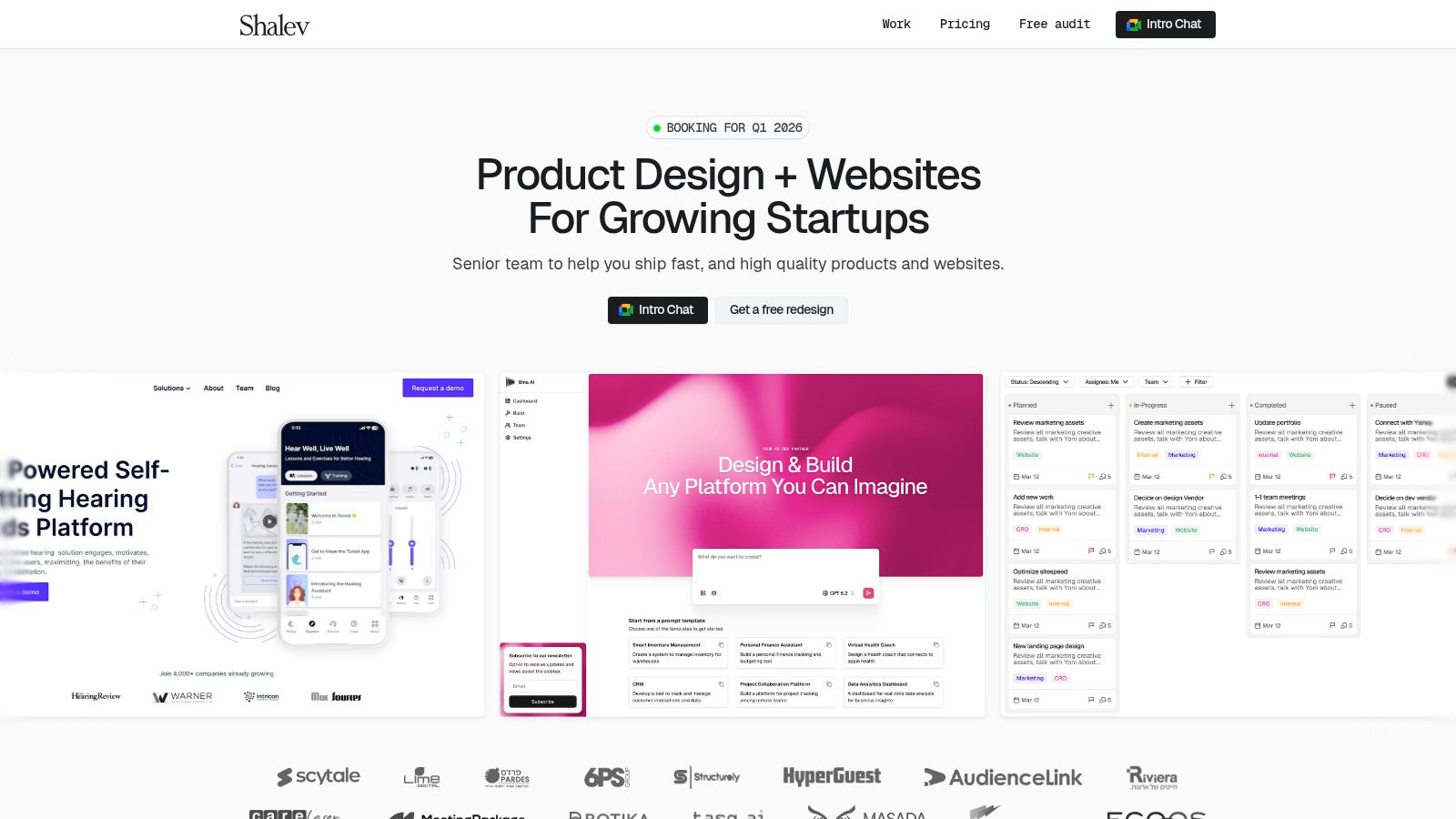
Engagements are collaborative and fast-paced, using shared Notion boards and Slack for continuous communication. This tight feedback loop ensures projects align perfectly with stakeholder goals, avoiding the miscommunications common with offshore teams or managing multiple freelancers. Their outcome-driven approach combines research-backed UX with crisp UI to deliver measurable results, such as increased lead quality or streamlined internal operations. For a deeper look into their process, you can find details on their AI automation agency services.
Key Features & Engagement Details
Custom Workflow Development: Builds bespoke AI workflows for marketing, sales, and internal operations, connecting tools like Zapier, Make, and custom scripts to create a unified system.
Internal Tool Creation: Designs and develops internal applications (e.g., custom dashboards, support ticket summarizers, content generation aids) that address specific operational bottlenecks.
Integrated Design & Development: Provides a single, accountable partner for the entire project lifecycle, from initial strategy and UX research to UI design and final engineering.
Flexible Engagement Models: Offers fixed-scope sprints (2–4 weeks, starting at $5k) for defined projects or monthly retainers (from $6k/month) for ongoing support and iteration.
Free Mini-Audit: A limited-availability free audit or mini-redesign allows potential clients to experience the agency's process and quality firsthand, reducing the risk of a new partnership.
Pros & Cons
Pros | Cons |
|---|---|
Senior, expert-led delivery for rapid, high-quality results. | Premium pricing compared to DIY tools or solo freelancers. |
Single point of contact for design and development simplifies project management. | Limited capacity due to the small, senior team structure; start dates and free audit spots may have a waitlist. |
Focus on business outcomes, not just features, to drive measurable ROI. | Not a self-serve platform, making it a better fit for teams needing a dedicated partner rather than a simple tool. |
Flexible sprints and retainers accommodate different project sizes and budgets. |
Website: https://shalev.agency
2. Zapier
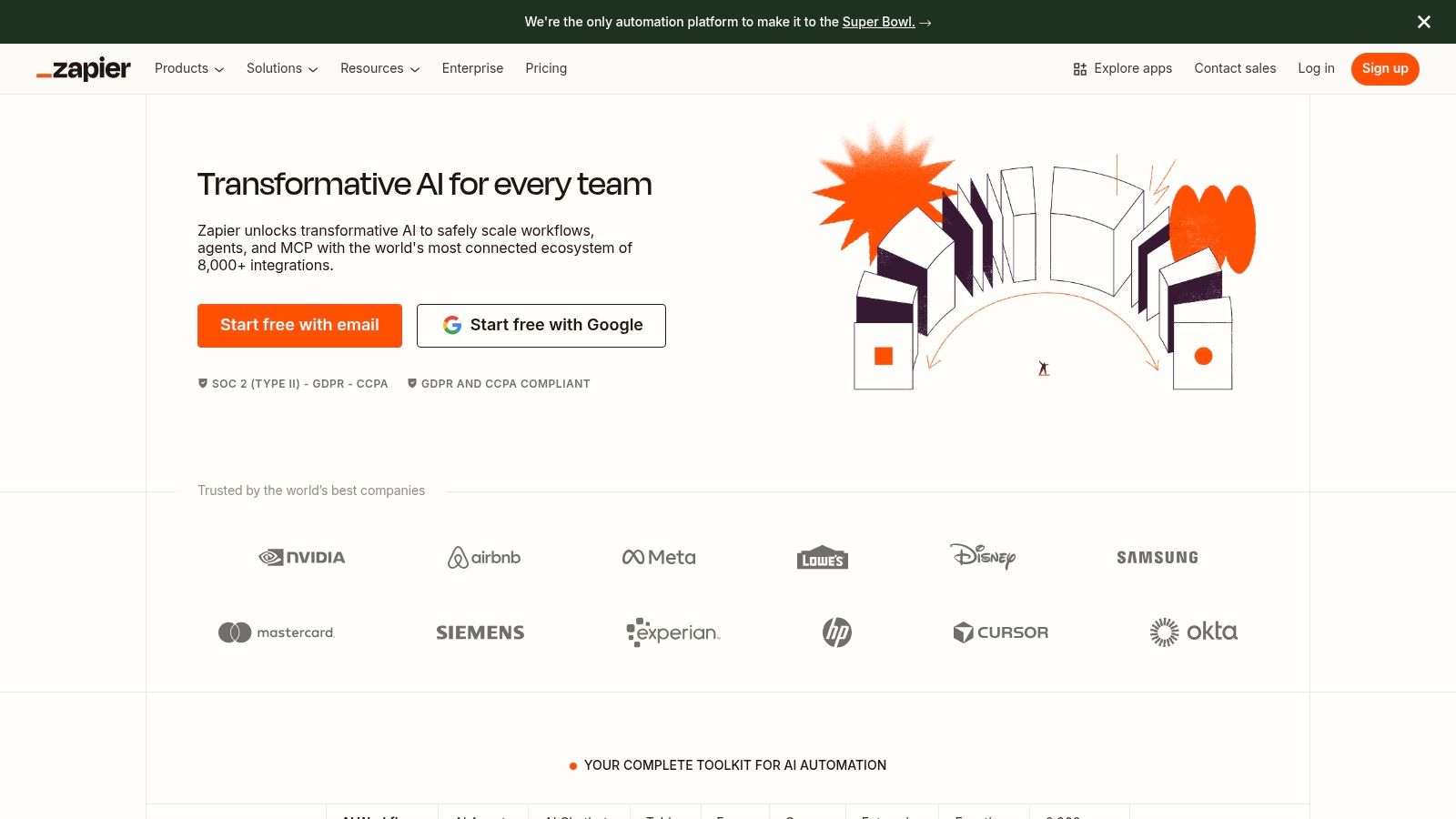
Zapier is one of the most recognized names in no-code automation, connecting over 8,000 web applications to create workflows called "Zaps." It serves as a powerful bridge, allowing non-developers to automate tasks that would otherwise require custom code, making it an essential tool for operations, marketing, and sales teams. Its straightforward "if this, then that" logic is easy for beginners to grasp.
What sets Zapier apart is its recent push into AI, making it a true contender among ai workflow automation tools. The introduction of "Zapier Central" provides a natural language interface to build, manage, and interact with automations. You can simply describe a business problem or process, and Central’s AI will suggest and build the necessary Zaps, connecting apps and logic on your behalf.
Core Features & Use Case
Massive Connector Library: With the largest app directory, you can connect almost any tool your team uses, from Slack and Google Sheets to Salesforce and HubSpot.
AI-Powered Building: Use the AI assistant to describe what you need, like "When I get a new lead in HubSpot, create a task in Asana and send a Slack notification," and it builds the workflow. This significantly lowers the learning curve.
Built-in Tools: Zapier Tables (a simple database) and Interfaces (custom forms and web pages) allow you to build complete internal solutions without leaving the platform.
Ideal Use Case: A marketing team can automate their lead management process. A new form submission on a website (via Interfaces) can trigger a Zap that adds the lead to a Google Sheet (or Tables), sends a personalized follow-up email, and alerts the sales team in Slack.
Pricing, Pros & Cons
Zapier's plans range from a free tier with limited tasks to enterprise-level solutions. Pricing is primarily based on the number of "tasks" you run per month, which can become costly for high-volume automations. This task-based model is a key point of consideration for scaling businesses. If you want to dive deeper into the fundamentals of these systems, you can learn more about what is workflow automation and its core concepts.
Pros:
Unmatched number of app integrations.
Extremely user-friendly for non-technical users.
Mature, reliable platform with strong community support.
Cons:
Task-based pricing can escalate costs quickly.
Advanced data manipulation can be less flexible than developer-focused tools.
Website: https://zapier.com
3. Make (formerly Integromat)
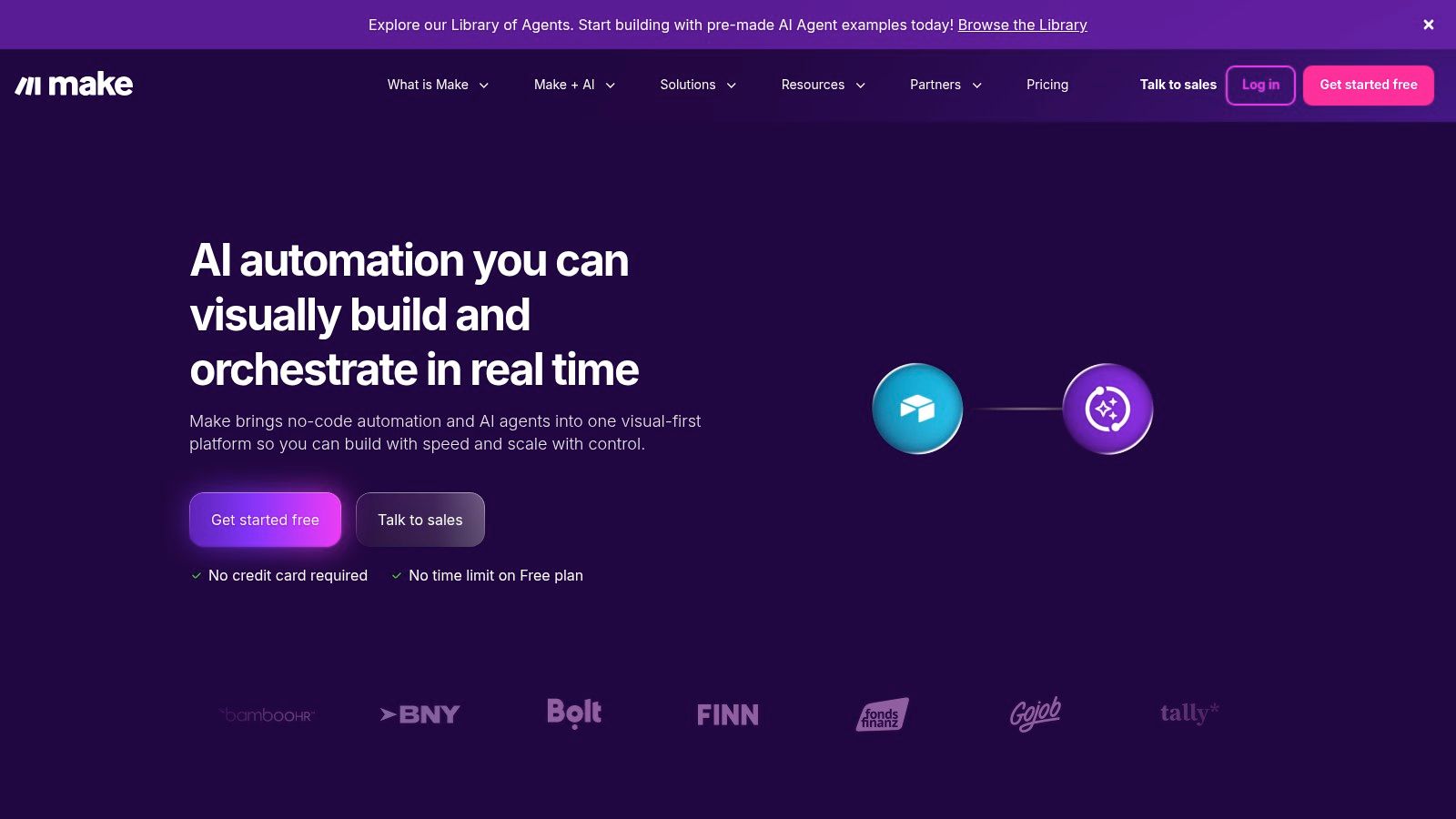
Make, which was previously known as Integromat, is celebrated for its highly visual and powerful workflow builder. It appeals to users who need more granular control over their automation logic and data handling than simpler tools might offer. Where some platforms use linear "if this, then that" steps, Make presents workflows as "scenarios," giving you a drag-and-drop canvas to connect apps, add routers for branching logic, and manage data with precision.
This visual approach makes it a strong choice among ai workflow automation tools, especially for product and operations teams. Its strength lies not just in connecting apps but in manipulating the data that flows between them. You can see every operation, how data is bundled, and where errors occur, which is essential for troubleshooting complex, multi-step automations.
Core Features & Use Case
Visual Scenario Builder: Drag-and-drop modules onto a canvas and connect them to visualize the entire workflow, complete with branching logic (routers), data aggregation, and error handlers.
Deep Data Manipulation: Includes powerful built-in tools for transforming data, such as functions for working with text, arrays, and dates, without needing custom code.
Robust API & HTTP Tools: Provides strong support for connecting to any REST API, allowing you to integrate with custom internal tools or services that don't have a pre-built app.
Ideal Use Case: An operations team can build a sophisticated order processing system. A new order in Shopify can trigger a scenario that checks inventory in a database, creates an invoice in QuickBooks, calculates complex shipping logic, and updates the customer record in a CRM, all with clear error handling for each step.
Pricing, Pros & Cons
Make’s pricing is based on the number of "operations" (actions a scenario performs) rather than tasks. This model can be very cost-effective for workflows with many steps, as a complex, multi-step scenario might only count as one "task" in other systems. For a deeper dive into its features and capabilities, consider visiting the official page for Make (formerly Integromat).
Pros:
Highly cost-efficient for complex, multi-step workflows.
Superior data mapping and transformation capabilities.
The visual builder provides excellent clarity for complex logic.
Cons:
Steeper learning curve for non-technical users compared to simpler tools.
High-frequency scenarios can consume credits quickly, requiring careful planning.
Website: https://www.make.com
4. n8n
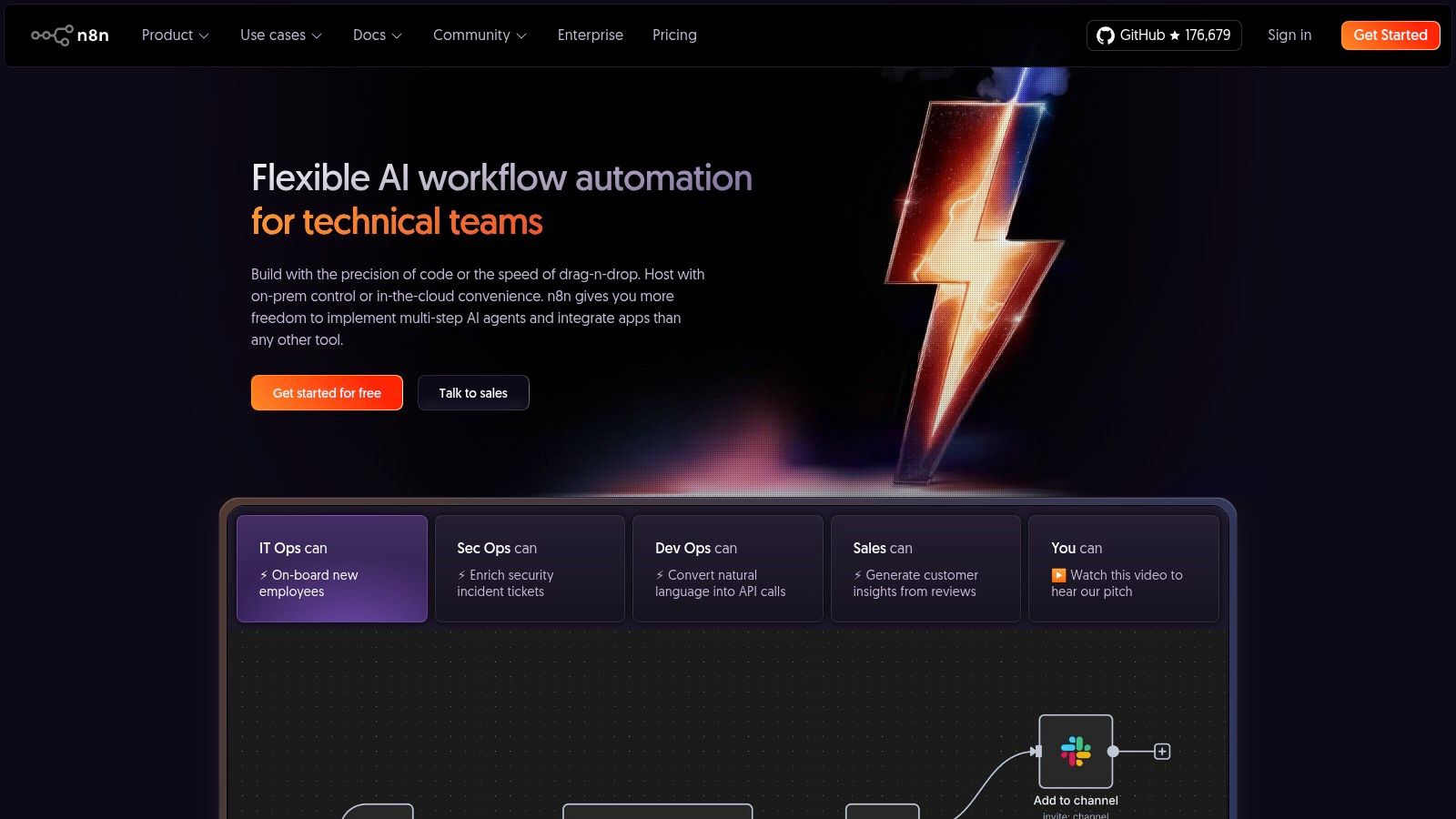
n8n is a powerful, source-available workflow automation tool designed for users who need more control and flexibility. Its node-based visual interface allows you to build complex workflows by connecting different services and logic blocks. It stands out by offering both a hosted cloud version and the ability to self-host, making it a favorite among developers and technical teams who require data privacy, security, and limitless customization.
What positions n8n among the best ai workflow automation tools is its developer-first approach to extensibility. You can easily inject custom JavaScript or Python code directly into workflows and even build your own custom nodes. This makes it perfect for creating bespoke AI pipelines, like connecting to a specialized machine learning model via an API, processing the data, and then routing it to various internal systems, all within a single, visually managed workflow.
Core Features & Use Case
Source-Available & Self-Hosting: Gain full control over your data and infrastructure by hosting n8n on your own servers. This is critical for companies with strict data compliance or security requirements.
Node-Based Logic: Build powerful automations with a visual editor that supports branching, merging, and complex data transformations. You can add custom code nodes for ultimate flexibility.
Extensive Integration Library: While not as large as Zapier's, n8n supports hundreds of popular apps and provides a robust HTTP Request node to connect to virtually any API.
Ideal Use Case: An engineering team can automate its DevOps pipeline. When a new commit is pushed to GitHub, an n8n workflow can trigger a build, run automated tests, and if successful, deploy to a staging server and send a status update to a Discord channel.
Pricing, Pros & Cons
n8n offers a scalable pricing model for its cloud service, based on workflow executions. The self-hosted version provides immense value, as you can run unlimited workflows and add unlimited users, paying only for your server costs. However, the cloud version’s free tier is now a trial, which changes the entry point for new users. It's also vital to stay on top of updates, as recent security issues highlight the need for prompt patching when self-hosting.
Pros:
Highly flexible with source-available and self-hosting options.
Powerful for technical users with support for custom code.
Cost-effective, especially when self-hosted.
Cons:
Steeper learning curve than simpler tools.
Self-hosting requires maintenance and security vigilance.
Website: https://n8n.io
5. Pipedream
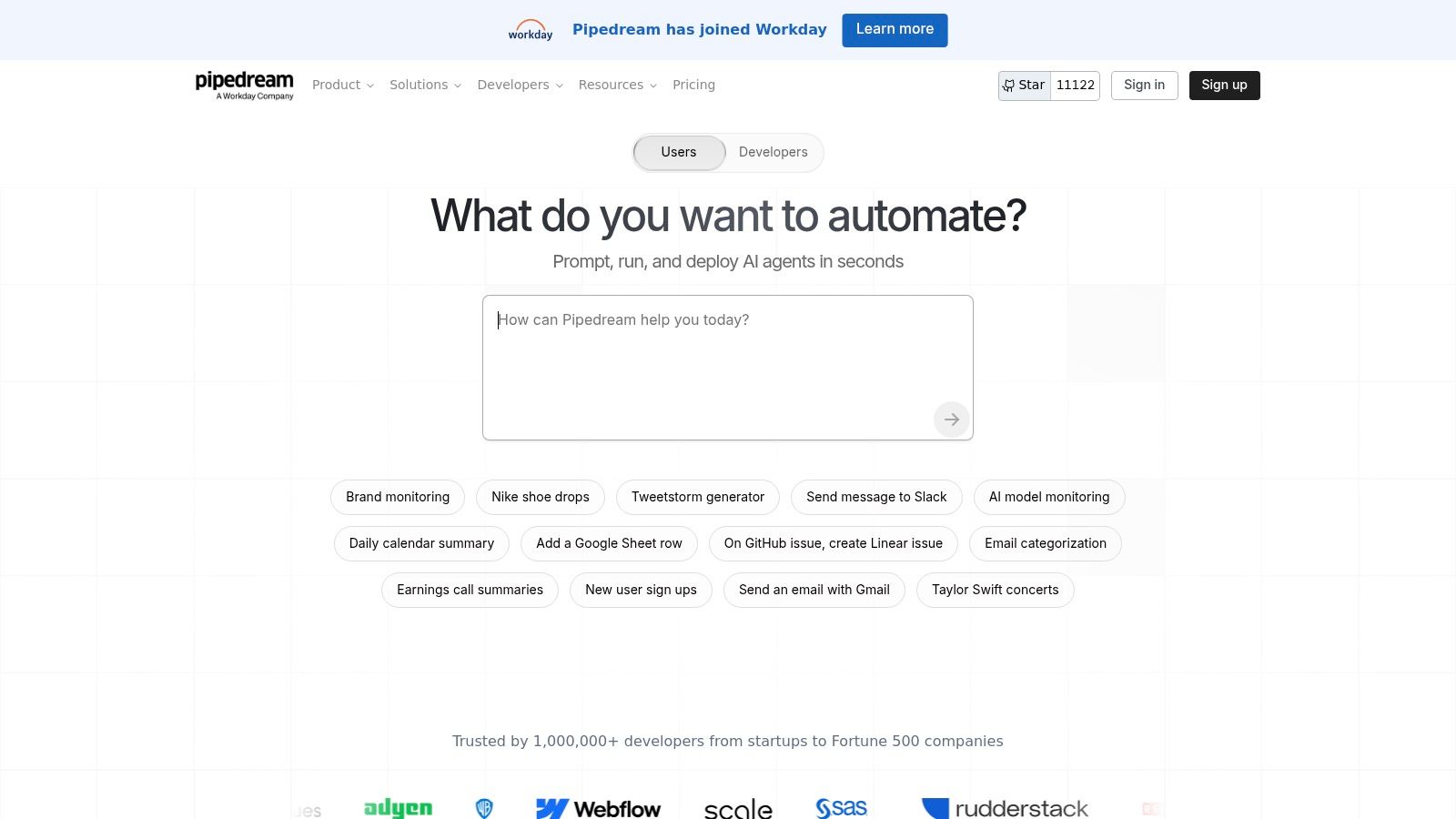
Pipedream is a developer-centric automation platform designed for teams that need to mix no-code simplicity with the power of custom code. It stands out by allowing users to add JavaScript or TypeScript steps directly into their workflows, offering granular control over data manipulation and logic. This hybrid approach makes it a go-to choice for technical teams building complex integrations or internal tools.
Where Pipedream truly enters the conversation on ai workflow automation tools is with its AI Agent Builder and MCP (Managed Connector Platform) servers. These features enable developers to rapidly build and deploy AI agents that can interact with thousands of APIs. Instead of building individual connectors, you can point an agent at an API library, giving it instant access to new capabilities, which is a significant accelerator for AI-driven projects.
Core Features & Use Case
Code-Level Control: Insert custom Node.js code steps (JavaScript/TypeScript) into any workflow to handle complex transformations, custom logic, or interact with any API.
AI Agent Builder: Quickly create and host AI agents with access to a massive library of actions through its MCP server technology, perfect for building specialized internal assistants.
Pipedream Connect SDK: Developers can build and share their own integrations and agents, contributing to an open-source ecosystem of connectors.
Ideal Use Case: A DevOps team can create a workflow that listens for a GitHub webhook. Upon a new pull request, a code step could run a custom script to check for dependencies, then use an AI agent to summarize the changes and post the summary to a specific Slack channel.
Pricing, Pros & Cons
Pipedream uses a credits-based pricing model tied to compute time, not the number of tasks or steps executed. This can be more cost-effective for workflows with many quick steps but might become expensive for long-running computations. The platform has a strong compliance footprint, including SOC 2 Type II and HIPAA, making it suitable for regulated industries.
Pros:
Excellent for API-centric workflows and building AI agents.
Flexible compute-based pricing is often cheaper for high-step-count automations.
Offers deep control for technical users who need more than standard no-code.
Cons:
Has a steeper learning curve for non-technical users.
Some public reviews mention mixed experiences with support and billing; a pilot is recommended.
Website: https://pipedream.com
6. Workato
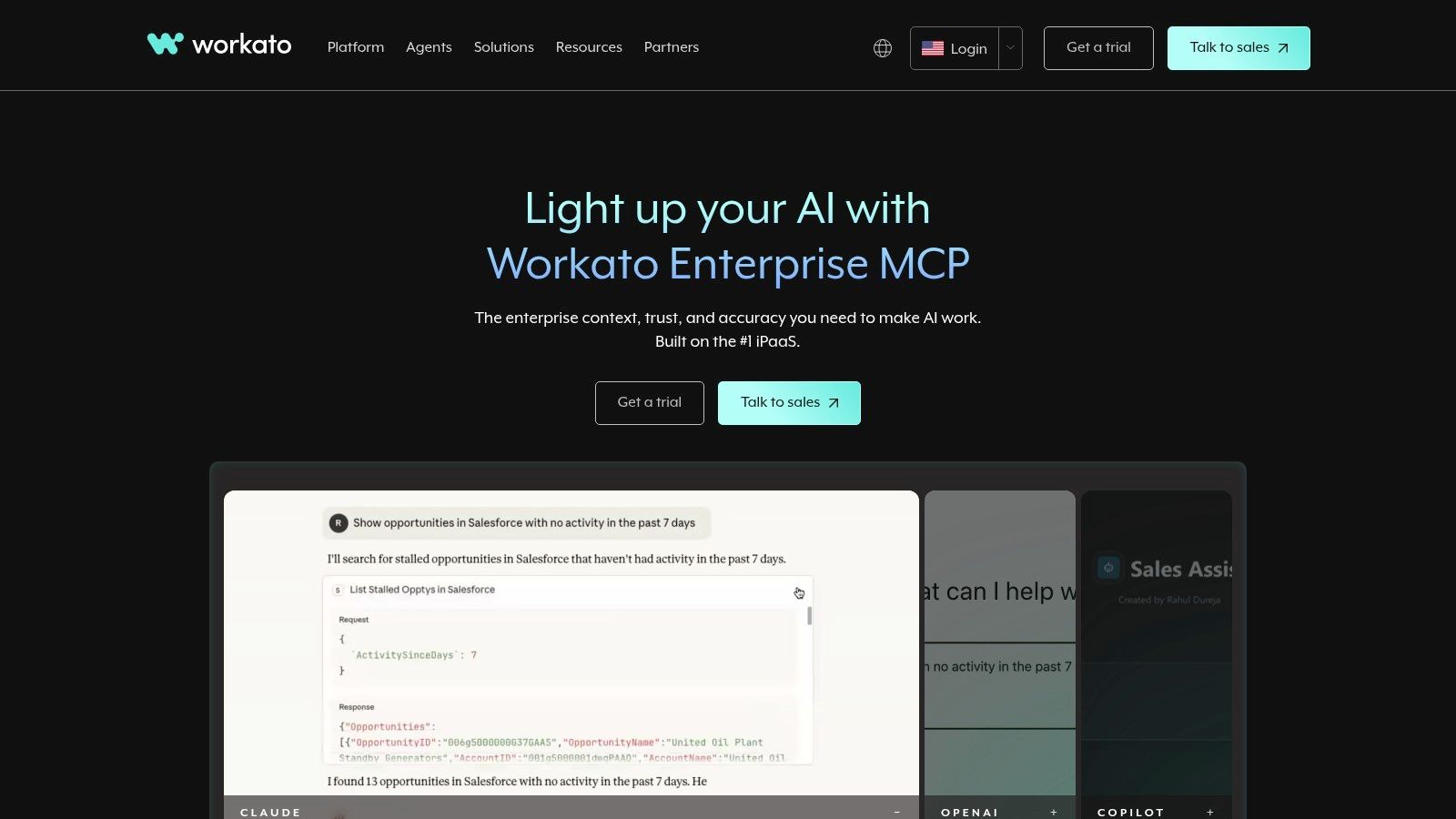
Workato is an enterprise-grade integration platform (iPaaS) designed for complex, cross-departmental automations that demand strong security and governance. It targets mid-market and enterprise companies that need more than a simple "if this, then that" connector. The platform excels at managing intricate workflows, often called "recipes," with robust lifecycle management and administrative controls.
What positions Workato among the top ai workflow automation tools is its focus on secure, enterprise-ready AI. The platform features "Copilots" that assist in building and documenting recipes using natural language, accelerating development time for technical and non-technical users. Additionally, its Enterprise Master Copilot Platform (MCP) allows companies to build and manage a fleet of AI agents using various large language models (LLMs) in a governed environment.
Core Features & Use Case
Enterprise Governance & Security: Provides advanced features like recipe lifecycle management (dev/test/prod environments), role-based access control, and compliance certifications (SOC 2, HIPAA).
AI Copilots: Use natural language to generate recipes, create documentation, and debug workflows, significantly improving developer productivity and opening automation to more business users.
On-Premise Agents: Securely connect to on-premise databases and applications, a critical feature for enterprises with hybrid cloud environments.
Ideal Use Case: An HR department at a large company can automate the entire employee onboarding process. A new hire in Workday triggers a recipe that provisions accounts in Active Directory, assigns training in an LMS, orders equipment through a procurement system, and adds the new employee to relevant Slack channels, all while logging every step for audit purposes.
Pricing, Pros & Cons
Workato’s pricing is sales-led and customized based on usage, connectors, and workspaces. It is generally positioned at a higher price point than SMB-focused tools, reflecting its enterprise capabilities. The initial setup can be more involved due to its emphasis on proper governance and security protocols.
Pros:
Strong security, compliance, and change management features.
Deep enterprise capabilities and a well-developed partner ecosystem.
Flexible enough to handle very complex, multi-app logic.
Cons:
Pricing is sales-led and can be a significant investment.
Setup and governance requirements can add lead time to initial deployments.
Website: https://www.workato.com
7. Tray.ai (Universal Automation Cloud + Merlin Agent Builder)
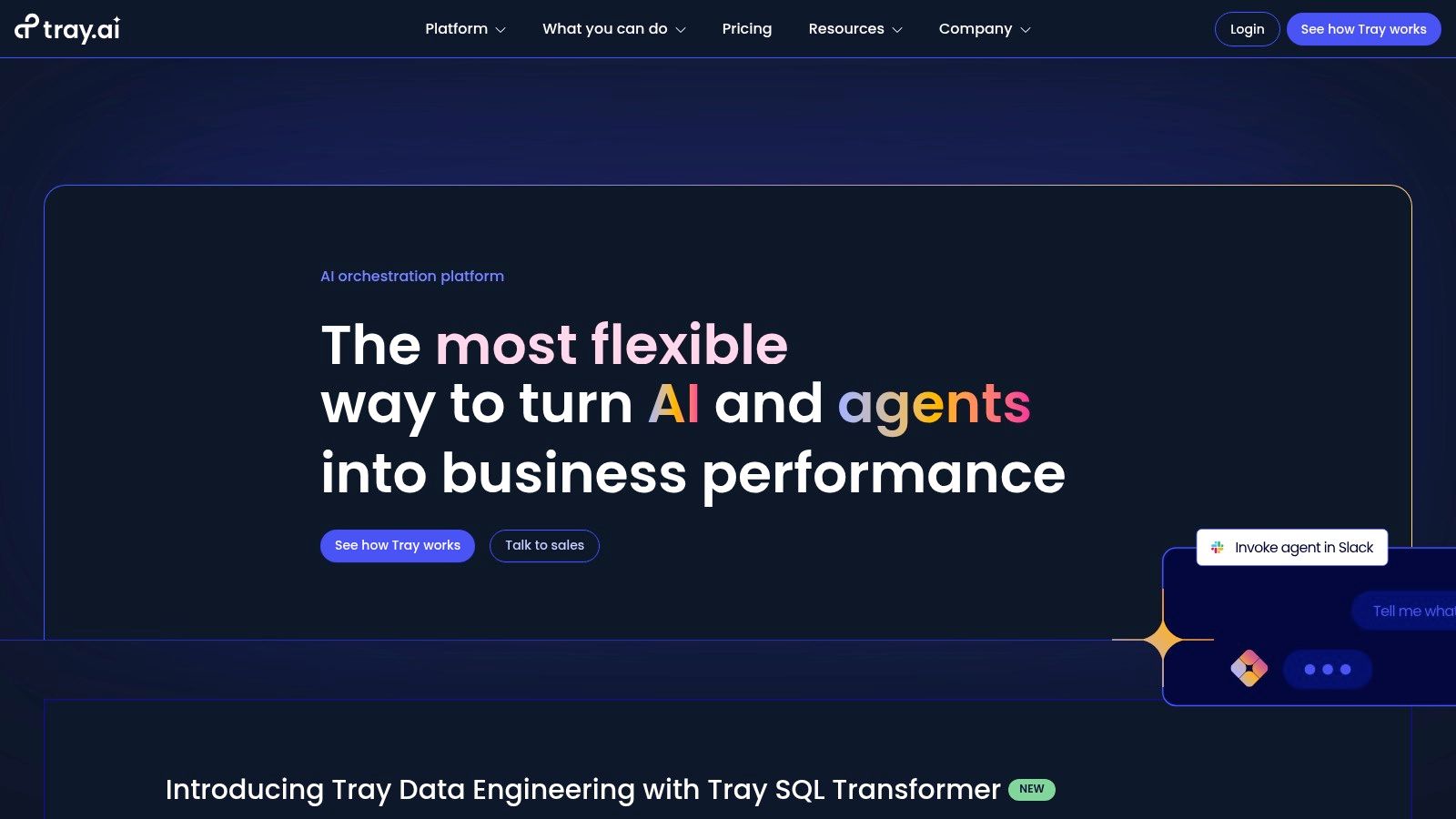
Tray.ai positions itself as a universal automation cloud, combining a low-code iPaaS (Integration Platform as a Service) with a powerful AI agent builder. It targets IT and operations teams aiming to build and govern production-grade automations and agentic experiences. This focus on enterprise governance makes it a serious player for businesses scaling their internal process automation.
What makes Tray.ai stand out among ai workflow automation tools is its Merlin Agent Builder. This feature allows teams to design custom agents that are securely connected to enterprise data and can be deployed in collaboration tools like Slack or Microsoft Teams. Instead of just connecting apps, you're building interactive AI assistants that understand your business context and can execute complex tasks on behalf of users.
Core Features & Use Case
Merlin Agent Builder: Create governed, production-ready agents with accelerators for common needs like ITSM, customer support, and knowledge retrieval.
Visual Workflow Builder: A drag-and-drop interface complemented by over 600 pre-built connectors and an SDK to build custom integrations for any system.
Governed Deployment: Provides the security and control IT departments need to confidently roll out automations and agents across the organization.
Ideal Use Case: An IT team can build a Merlin-powered agent in Slack to handle service desk requests. An employee can ask the agent to "reset my Salesforce password," and the agent authenticates the user, triggers the password reset workflow, and confirms completion without human intervention. To get a better sense of how these systems work, you can explore more about the rise of the AI agent.
Pricing, Pros & Cons
Tray.ai’s pricing is not publicly listed and requires a conversation with their sales team, indicating its enterprise focus. The model is based on task usage, which means costs are tied to how many automations you run. This approach is common in the industry but requires careful planning to manage expenses as you scale.
Pros:
Cohesive stack that combines AI agents and backend automation with strong governance.
Excellent fit for department-level and multi-team rollouts needing control and security.
Powerful for building interactive experiences within Slack and Teams.
Cons:
Pricing is not transparent and requires a sales-led process.
Smaller connector library by count compared to mass-market platforms like Zapier or Make.
Website: https://tray.ai
8. Microsoft Power Automate
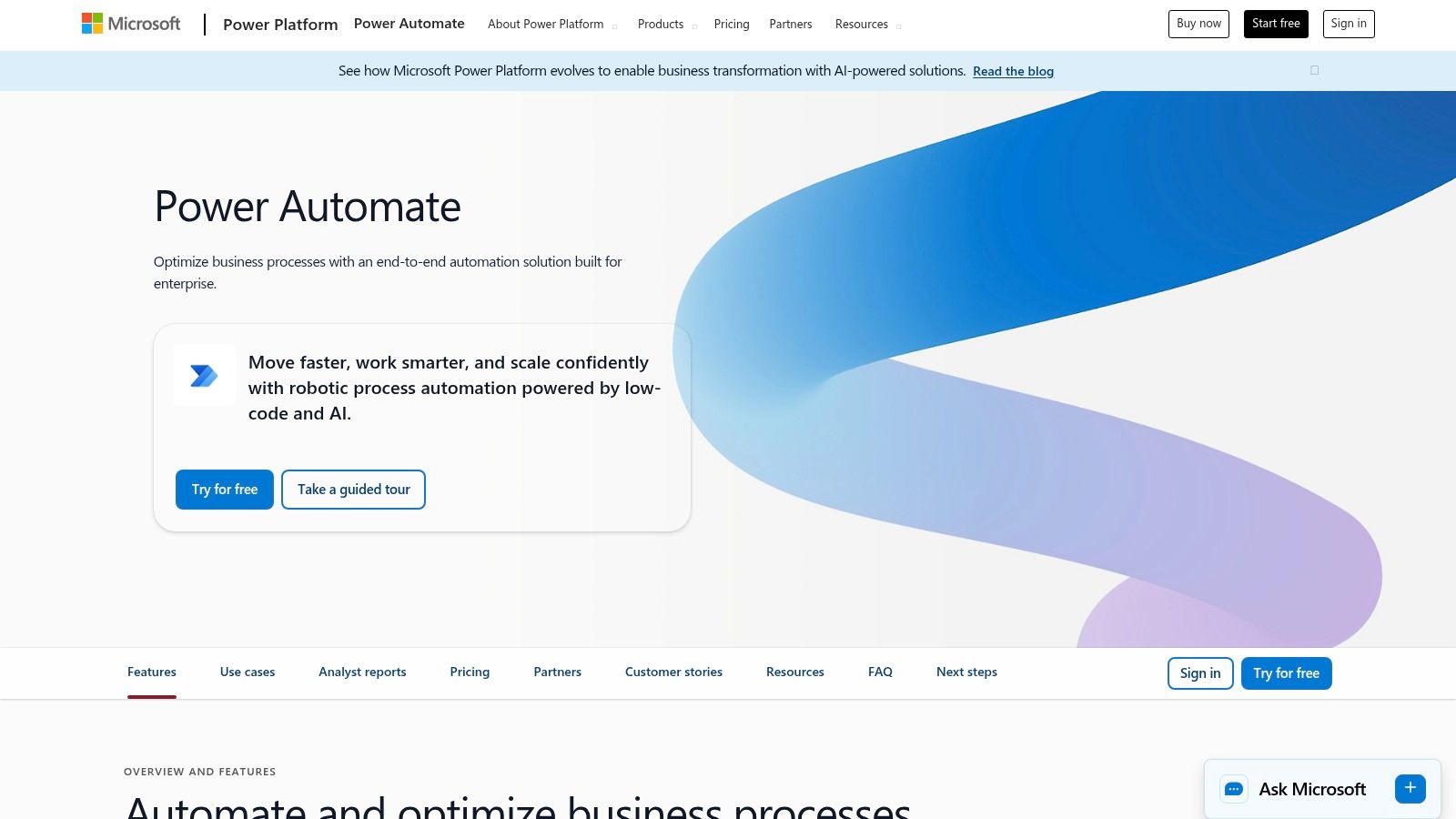
As a core component of the Microsoft Power Platform, Power Automate is a formidable option for organizations deeply integrated into the Microsoft ecosystem. It combines cloud-based automation (Flows) with powerful robotic process automation (RPA) for desktops, allowing businesses to connect both modern APIs and legacy systems. Its native ties to Office 365, Dynamics 365, and Azure make it the default choice for automating internal operations within these environments.
The platform's strength as one of the top ai workflow automation tools comes from its deep integration with Copilot and AI Builder. Users can describe a desired workflow in plain English, and Copilot will draft the automation, suggesting connectors and actions. This natural language capability, combined with process and task mining tools, helps businesses identify and build high-impact automations with greater efficiency.
Core Features & Use Case
Cloud & Desktop Automation: Build API-based cloud flows for services like SharePoint and Teams, or deploy desktop bots to automate tasks on local machines and virtual desktops.
AI with Copilot: Use a conversational AI assistant to build, edit, and troubleshoot automations. Describe outcomes like, "When a new file is added to a SharePoint folder, analyze its content and save a summary in a Teams channel," and Copilot constructs the flow.
Process Mining: Analyze how your teams work to discover inefficiencies and identify the best processes to automate for maximum ROI.
Ideal Use Case: An enterprise can automate its invoice processing. A desktop bot can monitor an email inbox for new invoices, use AI to extract key data (invoice number, amount), enter that data into a legacy accounting system, and then trigger a cloud flow to post an approval request in a Microsoft Teams channel.
Pricing, Pros & Cons
Microsoft offers a variety of licensing models, from per-user plans that include a certain number of runs, to pay-as-you-go metering, and per-bot plans for unattended RPA. This flexibility can be powerful, but navigating the matrix of standard versus premium connectors and the different license types can be complex for newcomers.
Pros:
Unbeatable integration with Microsoft 365, Teams, and Dynamics.
Powerful combination of cloud, desktop, and AI automation.
Flexible licensing options, including pay-as-you-go.
Cons:
Licensing and premium connector costs can be confusing.
Can be less intuitive for connecting non-Microsoft applications.
Website: https://powerautomate.microsoft.com
9. UiPath Business Automation Platform
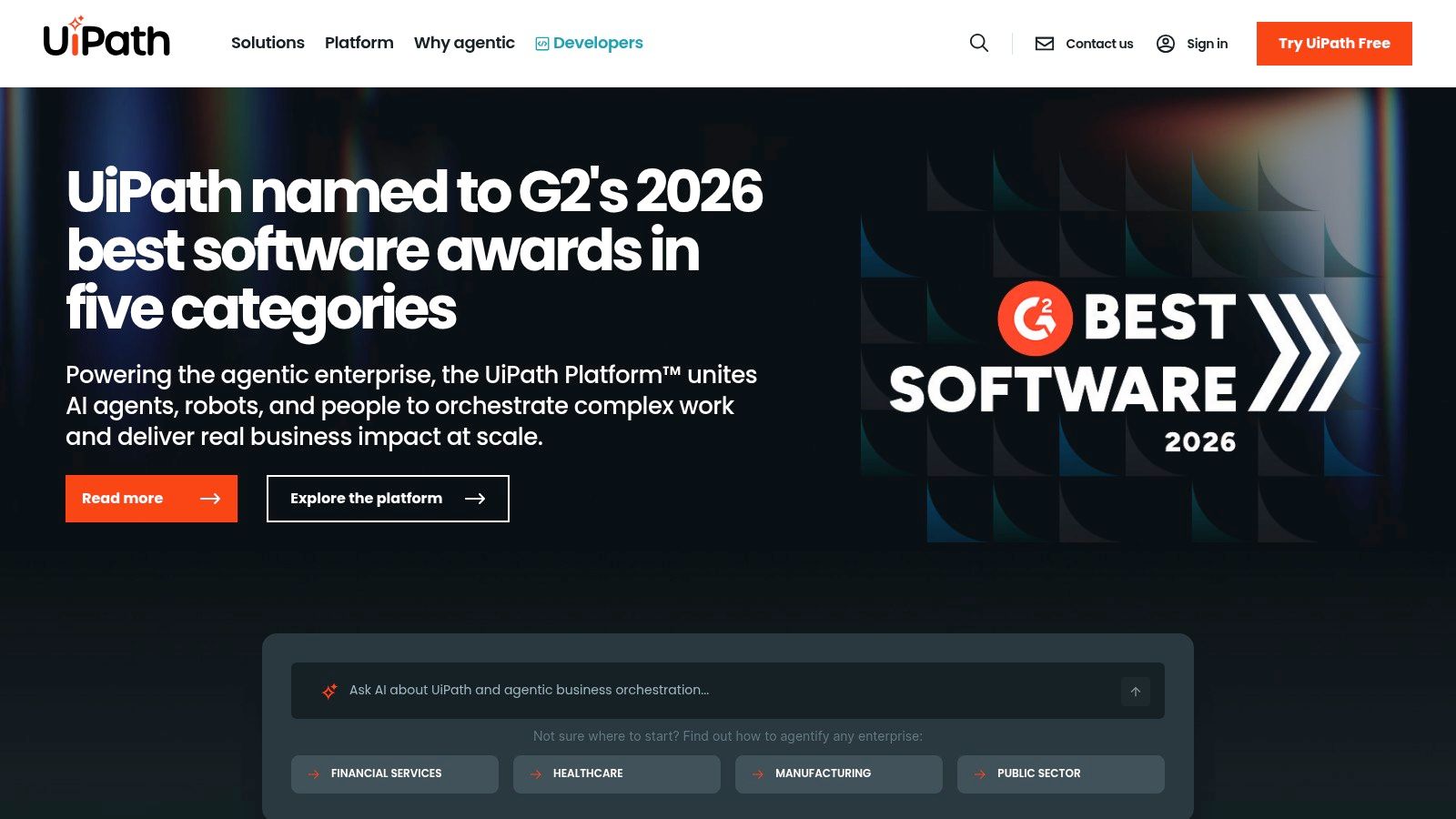
UiPath is a heavyweight in Robotic Process Automation (RPA), offering a powerful platform for enterprises to automate complex, repetitive tasks across legacy systems and modern applications. It excels at building software "robots" that mimic human actions, such as clicking, typing, and extracting data from desktops, websites, and documents. UiPath has significantly expanded its capabilities by integrating AI, making it a formidable choice among ai workflow automation tools for large-scale operations.
The platform's push into AI is most evident in features like Autopilot, which provides agentic automation capabilities, and Document Understanding, which uses AI to extract information from structured and unstructured documents. This combination of robust RPA with advanced AI allows organizations in finance, IT, and operations to tackle end-to-end process automation at an enterprise level.
Core Features & Use Case
Attended & Unattended Robots: Deploy robots that work alongside human employees (attended) or run complex back-office processes independently 24/7 (unattended), all managed through the central Orchestrator.
AI Data Extraction: Use Document Understanding to process invoices, purchase orders, and other documents, automatically extracting key data and entering it into other systems like SAP or Salesforce.
Developer & Citizen Automator Tools: UiPath Studio provides a rich environment for developers, while StudioX offers a simpler, drag-and-drop interface for business users to build their own automations without writing code.
Ideal Use Case: A finance department can automate its entire accounts payable process. A robot can monitor an email inbox for new invoices, use AI to extract vendor details and amounts, validate the data against an ERP system, and schedule the payment, flagging any exceptions for human review.
Pricing, Pros & Cons
UiPath's pricing and licensing model is designed for enterprise clients and can be complex, often requiring a tailored quote based on the number and type of robots, studios, and AI units deployed. While powerful, the total cost of ownership can be higher for smaller teams or simple deployments, and its full value is often realized when a dedicated Center of Excellence (COE) manages the automation strategy.
Pros:
Mature, enterprise-grade RPA with strong governance and security.
Exceptional desktop, UI, and document automation capabilities.
Scalable platform for both simple and highly complex processes.
Cons:
Complex pricing and licensing can be a barrier for smaller businesses.
Steeper learning curve compared to no-code API-based tools.
Website: https://www.uipath.com
10. Automation Anywhere (Automation 360)
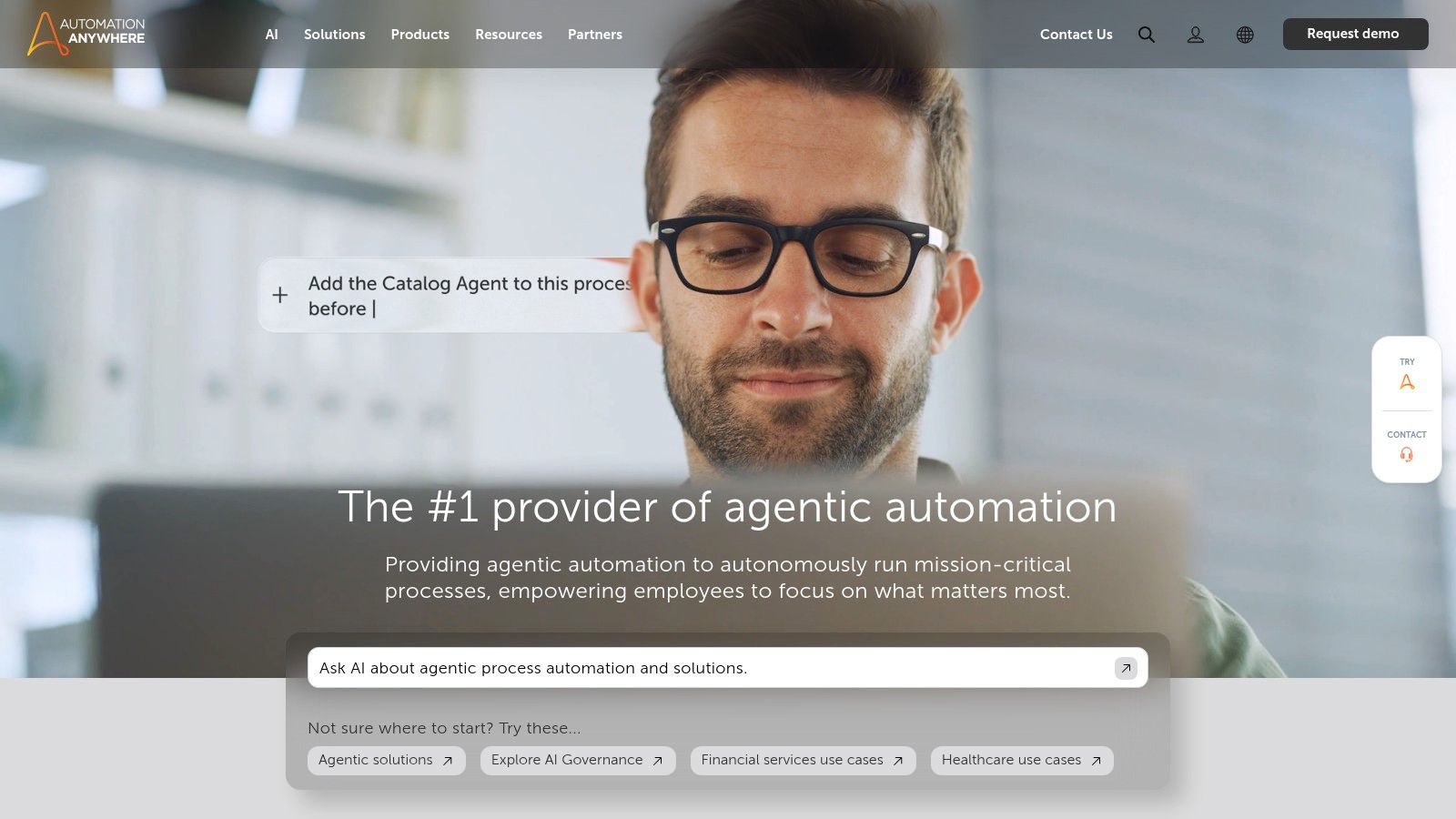
Automation Anywhere is a major player in the enterprise Robotic Process Automation (RPA) space. Its cloud-native platform, Automation 360, is designed for large organizations that need robust governance, security, and scalability for their automation programs. It goes beyond simple task automation by embedding AI capabilities directly into its core, including document processing and analytics.
What makes Automation Anywhere a key platform among ai workflow automation tools is its focus on enterprise-grade, agentic automation. The platform combines traditional RPA with Generative AI to create "Autopilot" processes that can handle exceptions, interact with users for clarification, and self-heal. This approach aims to build resilient automations that can manage complex, end-to-end business workflows with less human oversight.
Core Features & Use Case
Cloud-Native RPA: The SaaS-based platform reduces infrastructure overhead and allows for faster deployment and scaling compared to on-premise solutions.
Bot Store Marketplace: A large marketplace with pre-built bots and "Digital Workers" that can be deployed to accelerate development for common use cases like invoice processing or employee onboarding.
Document AI: Integrated AI for intelligently extracting data from structured and unstructured documents, such as invoices, purchase orders, and contracts.
Ideal Use Case: A large financial services firm can use Automation 360 to automate its entire accounts payable process. A bot can monitor an inbox for invoices, use Document AI to extract key data, validate it against an internal database, and enter the information into an ERP system like SAP for payment processing, all while being managed from a central control room.
Pricing, Pros & Cons
Automation Anywhere’s pricing is geared towards enterprise contracts and is not publicly listed. Costs can be significant and may increase with add-ons for premium capabilities. However, they offer a free Community Edition, which is excellent for developers and small businesses to explore the platform's power without an initial investment.
Pros:
Strong enterprise governance, security, and control features.
Marketplace accelerators significantly reduce time-to-value.
SaaS delivery model simplifies deployment and management.
Cons:
Pricing can be complex and a substantial investment for enterprises.
Premium add-ons for specific capabilities can increase the total cost of ownership.
Website: https://www.automationanywhere.com
11. ServiceNow Platform (Flow Designer + Now Assist)
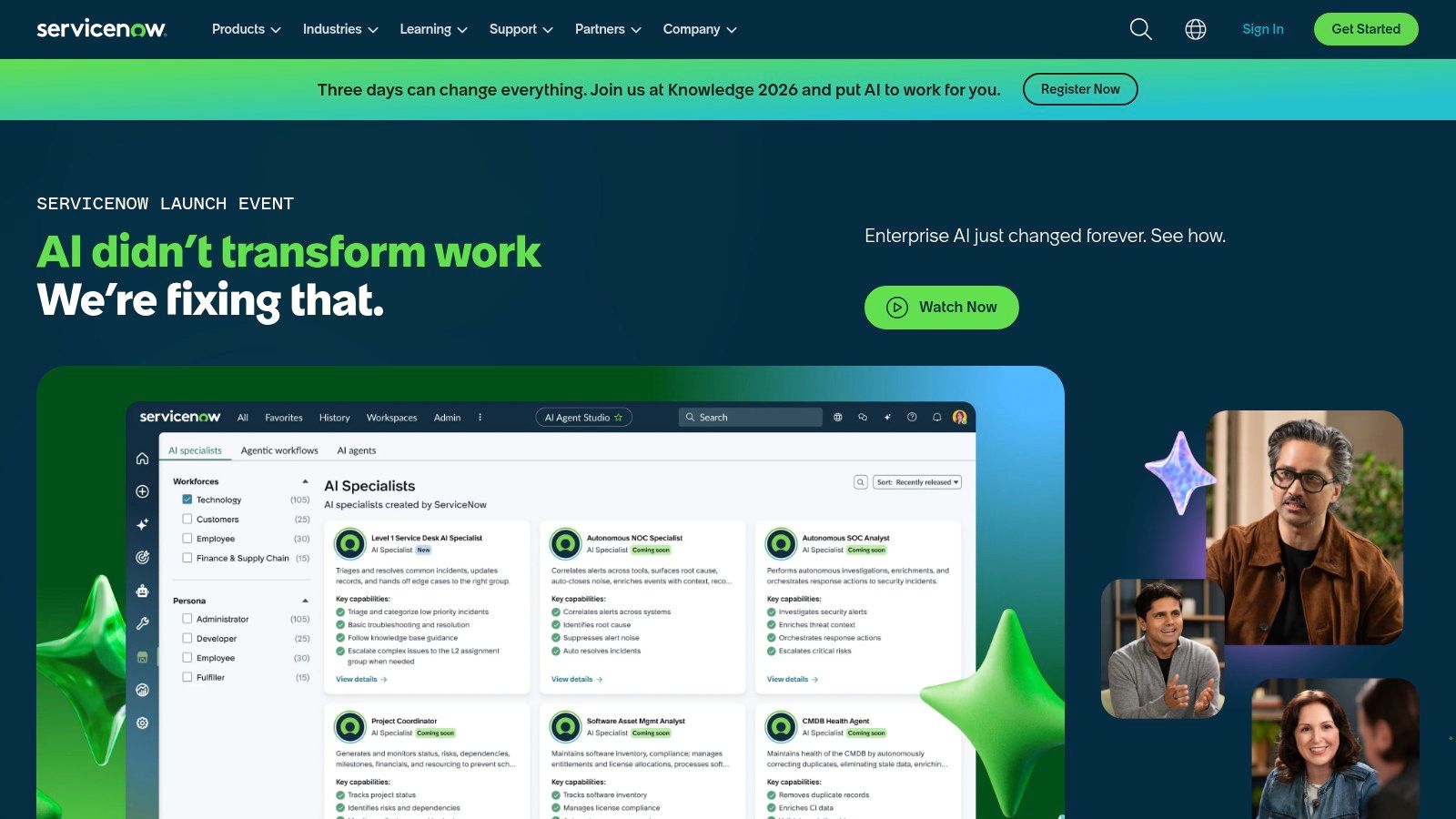
ServiceNow is an enterprise titan, providing the operational backbone for countless organizations across IT, HR, and customer service. While traditionally known for its structured workflows, it has become a serious player in the ai workflow automation tools space by integrating generative AI directly into its core platform. Its low-code Flow Designer and the new Now Assist capabilities are designed for large companies that want to add intelligent automation within their existing, governed ServiceNow environment.
What makes ServiceNow distinct is its data-centric approach. Since most of a company's critical operational data already lives within ServiceNow, the AI can work with high-quality, contextual information out of the box. Now Assist isn't just a chatbot; it's a suite of generative AI features that can summarize complex cases, generate resolutions, and guide agents through processes, all from within the familiar ServiceNow interface.
Core Features & Use Case
Flow Designer: A low-code tool for building and managing workflows that connect different ServiceNow modules, such as ITSM, HR Service Delivery, and Customer Service Management (CSM).
Now Assist AI: Provides generative AI capabilities like case summarization, AI-powered search, and agent-assist actions to speed up resolution times and improve service quality.
Unified Data Model: Automations are built on top of a single, consistent data model, which improves reliability and simplifies governance compared to stitching together disparate systems.
Ideal Use Case: An enterprise IT department uses Flow Designer to automate the employee onboarding process. When a new hire is added to the HR system, it triggers a flow that automatically creates IT tickets to provision a laptop, set up user accounts, and assign access rights. Now Assist helps service agents quickly resolve any resulting IT issues by providing instant context and suggested actions.
Pricing, Pros & Cons
ServiceNow's pricing is enterprise-focused and sales-led. The Now Assist features are typically sold as an additional SKU or add-on to existing platform licenses. This model works best for organizations already committed to the ServiceNow ecosystem, as the value is multiplied when AI is applied across multiple departments using the platform.
Pros:
Native integration with the ServiceNow data model and governance framework.
Broad functional coverage across IT, HR, security, and customer service.
Strong focus on enterprise-grade security and compliance.
Cons:
AI features come at an additional cost, which can be significant.
Offers the best value only when an organization is already standardized on ServiceNow.
Website: https://www.servicenow.com
12. Parabola
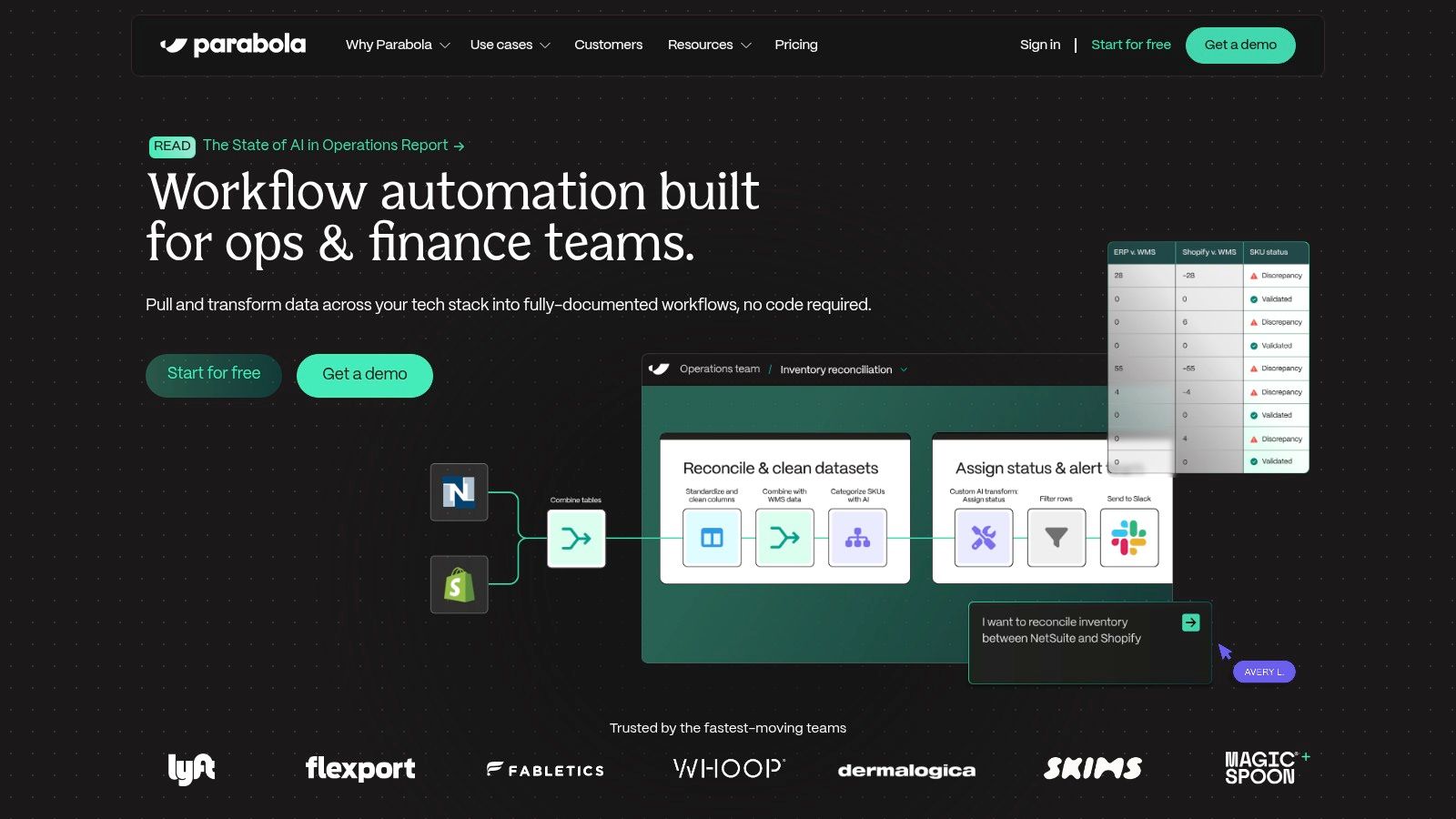
Parabola is a visual, AI-assisted builder designed for data-heavy operations. It excels where spreadsheets and manual data entry start to fail, helping teams in e-commerce, RevOps, and logistics automate tabular workflows without needing engineering support. Its drag-and-drop interface makes it approachable for anyone comfortable with CSVs, APIs, and databases.
What makes Parabola a strong choice among ai workflow automation tools is its focus on data transformation. Instead of just connecting apps, it helps you model, clean, enrich, and combine data from multiple sources. It introduces AI steps directly into these data flows, allowing you to perform complex tasks like categorization, sentiment analysis, or data extraction with a simple, configurable block.
Core Features & Use Case
Visual Data Flow Builder: Drag and drop steps to pull in data (from APIs, CSVs, databases), merge it, apply logic, and send it to its destination.
AI-Powered Steps: Use built-in AI blocks to classify text, extract information, or generate content based on your row data, adding intelligence to your operational processes.
Scheduled Runs & Hosted Tables: Automate flows to run on a schedule (e.g., every hour or daily) and use Parabola's tables to store and manage intermediate data.
Ideal Use Case: An e-commerce operations manager can build a flow that pulls daily Shopify orders, combines them with inventory data from a Google Sheet, uses an AI step to flag potentially fraudulent orders based on specific criteria, and pushes the clean order list to their fulfillment partner's FTP server.
Pricing, Pros & Cons
Parabola's pricing is built on a credit-based model, where different actions (like running a flow or using an AI step) consume a certain number of credits. Plans offer different credit allowances, which provides transparency and predictability. This contrasts with task-based models that can be harder to estimate.
Pros:
Excellent for non-developers who work with spreadsheets and CSVs.
Transparent, credit-based pricing model is easy to understand.
Powerful for complex data manipulation and transformation.
Cons:
Fewer real-time event/webhook triggers compared to iPaaS platforms.
Not designed for heavy API orchestration that developer-centric tools handle better.
Website: https://parabola.io
Top 12 AI Workflow Automation Tools — Feature Comparison
Platform | Core offering / Best for | Key features | Target audience | Pricing & value |
|---|---|---|---|---|
Shalev Agency | Senior design + dev partner for websites, products, internal tools | Research-backed UX, UI + pragmatic engineering; fast sprints; AI workflows | Growing startups & product teams needing high-conversion builds | Fixed‑scope sprints from $5k; retainers from $6k/mo; free mini audit |
Zapier | No-code automation across apps | Zaps, Tables, Forms, MCP, Copilot | Non‑developers & SMBs wanting fast integrations | Task‑based pricing; can rise with volume |
Make (Integromat) | Visual scenario builder for complex logic | Drag‑drop scenarios, routers, iterators, HTTP tools | Product & ops teams needing granular transforms | Credit/operation model; cost‑efficient at medium volumes |
n8n | Open‑source, self‑hostable automation | Unlimited steps, JS nodes, self‑hosting | Engineering teams requiring control & on‑prem options | OSS free; cloud trial only on paid tiers |
Pipedream | Developer‑first integrations + AI agents | JS/TS code steps, MCP servers, Connect SDK | Engineers building API‑centric agents & automations | Compute/credits‑based pricing; flexible for devs |
Workato | Enterprise iPaaS with governance | Copilots, Enterprise MCP, lifecycle mgmt, on‑prem agents | Mid‑market & enterprise with complex governance | Sales‑led; usage‑based enterprise pricing |
Tray.ai | Low‑code iPaaS + agent builder | Merlin agent builder, 600+ connectors, governance | IT & ops building governed agents for Slack/Teams | Sales‑led pricing; task‑based usage |
Microsoft Power Automate | MS‑centric cloud & desktop automation | Cloud flows, RPA, Copilot Studio, Dataverse | Microsoft 365 / Dynamics shops | Per‑user/bot or pay‑as‑you‑go licensing |
UiPath | Full‑stack RPA & AI platform | Attended/unattended robots, Orchestrator, Autopilot | Enterprise finance, IT, operations | Enterprise pricing; COE often needed for value |
Automation Anywhere | Cloud‑native RPA + bot marketplace | Document AI, Bot Store, Control Room | Enterprises wanting SaaS RPA & accelerators | Sales‑led contracts; free Community Edition available |
ServiceNow Platform | Enterprise workflow + generative AI | Flow Designer, Now Assist, ITSM/HR/CSM integration | Organizations standardized on ServiceNow | Sales‑led; AI add‑ons typically extra SKU |
Parabola | Visual builder for data‑heavy ops | Drag‑drop CSV/API/DB flows, AI steps, scheduling | RevOps, e‑commerce, logistics ops teams | Credit‑based metering; clear plan tiers |
Final Thoughts
We’ve explored a wide range of powerful AI workflow automation tools, from code-optional platforms like Zapier and Make to enterprise-grade solutions like UiPath and ServiceNow. The clear takeaway is that automation is no longer a luxury reserved for massive corporations with dedicated engineering teams. It's an accessible strategy for businesses of all sizes, especially early-stage startups and lean operational teams.
Each tool we covered offers a unique approach. Some prioritize simplicity and a vast library of pre-built integrations, while others provide the deep customization needed for complex, industry-specific processes. Your choice ultimately depends not on finding the "best" tool, but on finding the right tool for your specific challenges.
Making Your Selection: A Practical Guide
Choosing the right platform can feel overwhelming. To simplify your decision, focus on three core areas: your team's technical skill, your primary use case, and your budget for growth.
For Non-Technical Teams & Startups: If your goal is to quickly connect common SaaS apps for marketing, sales, or basic operations, start with Zapier or Make. Their visual interfaces and extensive app support lower the barrier to entry, allowing you to build valuable automations in minutes, not weeks.
For Technical Users & Custom Needs: If you have developers on your team or require granular control over your workflows, n8n and Pipedream are excellent starting points. They offer the flexibility of code-level customization, self-hosting options for better cost control, and robust API handling capabilities.
For Enterprise-Scale & Complex Operations: For large organizations needing to automate core business processes across multiple departments, platforms like Workato, Tray.ai, and Microsoft Power Automate offer the required security, governance, and scalability. These are built to handle high-volume, mission-critical tasks.
Key Factors to Consider Before You Commit
Before you invest time and resources into a platform, run through this final checklist. Getting these answers upfront will prevent significant headaches later on.
Integration Health: Does the tool truly support the specific triggers and actions you need for your most critical apps? A logo on the integration page doesn't guarantee deep functionality. Test the exact steps you plan to automate during a trial period.
Scalability & Pricing Tiers: How does the pricing scale with usage? A plan that seems cheap today can become prohibitively expensive as you add more tasks or increase workflow frequency. Model your potential future costs based on the platform's pricing metrics (e.g., tasks, operations, users).
Error Handling & Debugging: When a workflow inevitably fails, how easy is it to identify and fix the problem? Look for clear error logs, the ability to replay failed runs, and alerting mechanisms. A tool with poor debugging can create more manual work than it saves.
Team Collaboration & Governance: If multiple people will be building or managing automations, you need features for user roles, permissions, and shared access. This prevents accidental changes to critical business workflows.
The journey into AI workflow automation is an iterative process. Start small. Identify a single, repetitive, high-impact task and automate it. Measure the time saved and the value created. This first win will build momentum and provide the business case needed to expand your automation efforts across the organization, turning small efficiencies into major competitive advantages.
Feeling overwhelmed by the options or need a custom solution built for you? The team at Shalev Agency specializes in designing and implementing bespoke AI-powered automations that connect your existing tools and solve your unique operational bottlenecks. Schedule a discovery call with Shalev Agency to see how a tailored automation strategy can drive immediate results for your business.